Digital Art Tools for Photoshop Certification
Ever wonder why a picture in a magazine looks flawless or how creative an advertising banner looks? While being a professional designer or photographer may have a lot to do with it, the potential to create amazing images is possible for anyone. The key is to learn how to use the right post-production software, such as Adobe Photoshop. The ability to create multi-layers with unique effects and designs allows the designer to add depth and dimension. It is important to understand what Photoshop is used for as it has multiple functions and can be a very useful tool in not just editing photos, but also creating pamphlets, banners, business cards and flyers. This course will teach you about the benefits of such a program and also provides instructions on how to use it for both professional and personal needs.
Throughout the course, you will see 21 different videos. Each video will take you on a step-by-step journey through the basic features of Photoshop. While there are several obvious features, such as the ‘Layers’ dialogue box, there are additional ways to use each tool to maximise the post effects of a photo.
In this course, you will learn:
How to create a new file and adjust a canvas size that is suitable to project needs
How to navigate through the software, where to find its tools and understand the layout of the page
Learn how to identify Photoshop tools and understand their basic functionalities
Learn how to identify the secondary tools, how to select them and what they are used for
Learn shortcuts and understand how and when to use them
How to use the layer option and understand the layer dialogue box
Learn how to use and apply adjustment layers
How to add effects and filter to an existing image
Course Benefits:
You will learn the basic steps of using Photoshop and can begin to create a design
How to become more efficient by using shortcuts and understanding the use of specific tools
You will understand how to enhance an image and ways to crop the image to reuse for another project
The importance of colours and how they can be adjusted and enhanced using the different colour options such as colour balance
How to use brightness and contrast, exposure and hue and saturation to manipulate a photo
How to use rulers to make creative designs such as pamphlets
Design elements that enhance a creative project
수업 레벨
모든 레벨, 완전초급 부터 고급 레벨까지
고객님의 수업 레벨을 결정하기 위해 첫날 레벨 테스트를 보실 것입니다. 당신은 하이 위컴에 도착하기 전 이 시험을 볼 수 있습니다.
수업 학생수
평균
학생 12명
최대
학생 15명
학생 연령대
연령대
16 - 35세
평균
19세
수료증
수료증은 코스가 끝날 때 발급될 것입니다.
더 읽어보기...
school
학교 개요
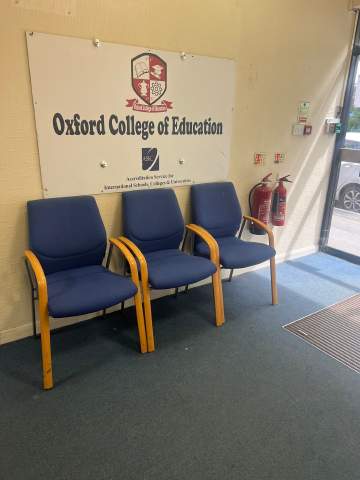
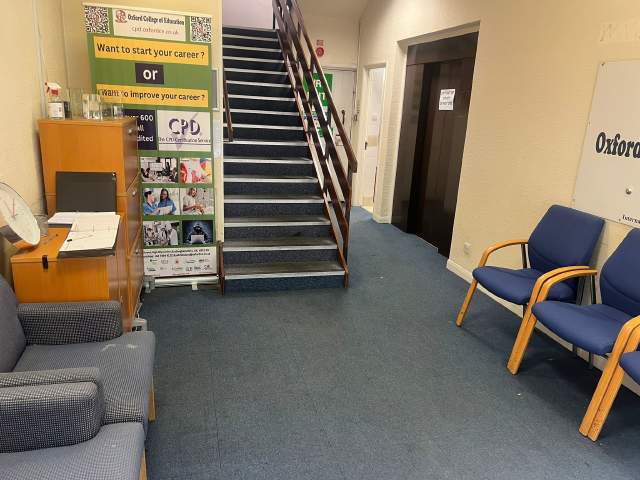
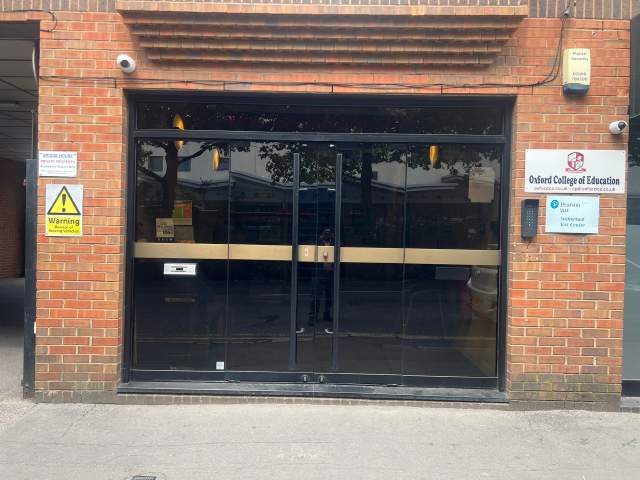
OCE은 하이 위컴의 중심부에 위치해 있으며 영국에서 가장 인기있는 학교 중 하나입니다. 이 학교는 고객님과 같은 국제학생들을 대상으로 한 영어 교육에 특화 되었습니다. 수업 당 학생수 역시 다른 학교들과 비교하여 매우 적습니다. 하이 위컴에 있는 동안 고객님을 도와주실 매우 친절한 선생님과 교직원분들도 계십니다.
년 설립
2017
교실 수
6
인증
시설
도서관
엘리베이터
휠체어 통로
영역을 먹고
무료 인터넷
무선 인터넷
컴퓨터
수업 후 세미나
영역을 공부
오디오 학습
교사의 자격
원어민 영어 강사들
50% 이상
영어 교육 자격증을 가진 교사들
50% 이상
대학을 졸업한 교사들
50% 이상
국적과 연령대 구성
Oxford College of Education의 국적과 연령대 구성은 기간과 코스, 레벨에 따라 다릅니다. 연중 학생 평균연령는 19세 입니다. 여름학기 학생 평균 연령은 19세 입니다.
학교 휴일
OCE 은 위와 같은 휴일에는 수업이 없습니다. 이 학교는 휴일 수업을 보충하지 않으니 이에 따라 시작일을 잘 선택해 주세요.
오픈 날짜
연중 무휴
학교 휴일
선택하지 않음
더 읽어보기...
photos
사진
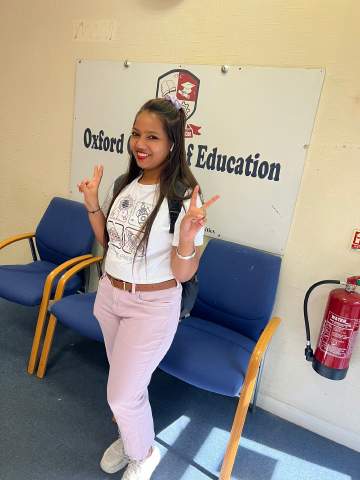
Oxford College of Education1/10
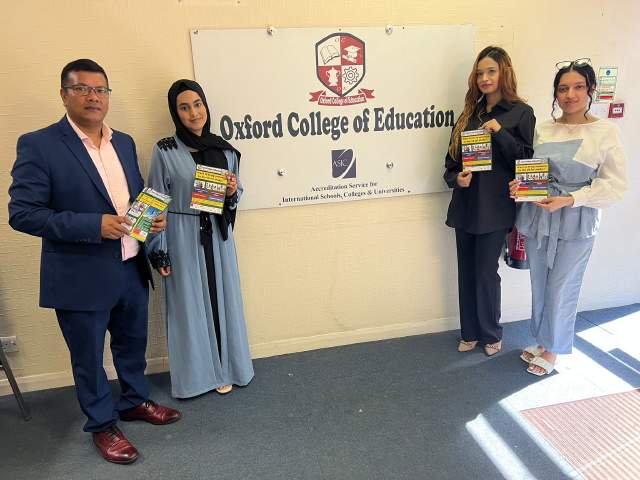
Oxford College of Education2/10
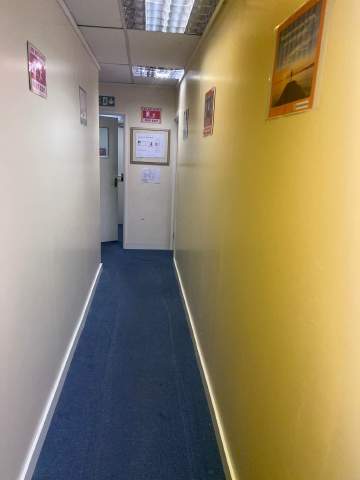
Oxford College of Education3/10
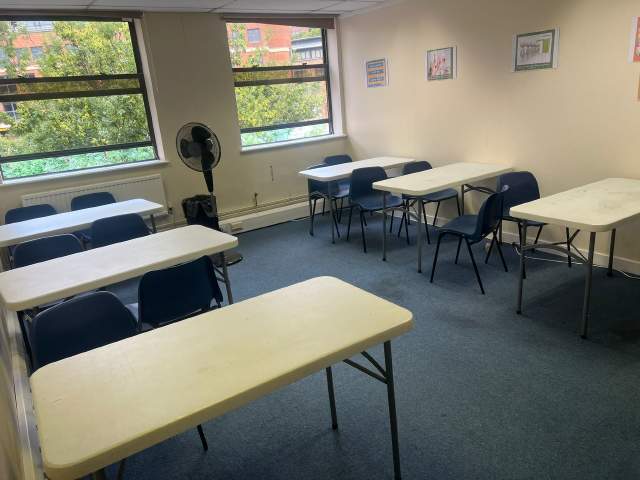
Oxford College of Education4/10
Oxford College of Education5/10
Oxford College of Education6/10
Oxford College of Education7/10
Oxford College of Education8/10
Oxford College of Education9/10
Oxford College of Education10/10
visa
비자발급 도움
저희가 학생분들의 비자를 대신 신청해 드릴 수는 없지만, 비자 신청에 필요한 서류들을 학교에서 제공 받으실 수는 있습니다.
고객님이 만약 영국에서 11개월 이상 공부하신다면 Confirmation of Acceptance for Studies (CAS) 라고 하는 참조번호를 받게 되며, 이것을 일반학생 비자신청 서류와 함께 영국 대사관에 제출하셔야 합니다.어학코스 등록과 결제를 마치신 학생분들은 OCE으로부터 CAS를 받으실 것입니다. 영국법 상, CAS는 영어 어학연수를 11개월 이상할 학생에게만 발행되고 있다는 것을 숙지해 주십시오.
영국에서 11개월 이하의 기간동안 공부하실 경우에는, Student Visitor Visa라는 특별비자를 신청하셔야 합니다. 학생 방문자로서는 학습 기간 중 파트타임으로 일할 수 없습니다. 영국에서 11개월 이하의 기간동안 연수를 계획하신다면, 고객님 댁으로 승인레터가 일반우편으로 무료 배송될 것입니다.
Please note that we do not book flights for our students. If you are researching airfare costs, we recommend using Kayak.com, a search engine that lets you compare flight options from your home country to 하이 위컴 based on your budget, schedule and preferences.
여행자 보험
Language International의 의료보험 및 개인보험 커버로 해외연수 걱정 뚝! 저희 코스를 예약하실 때, 의료 비용은 물론 개인소지품의 분실까지 커버하는 국제 보험플랜을 구매하실 수 있습니다. 코스 등록시 미리 보험을 예약하셔야 합니다.